
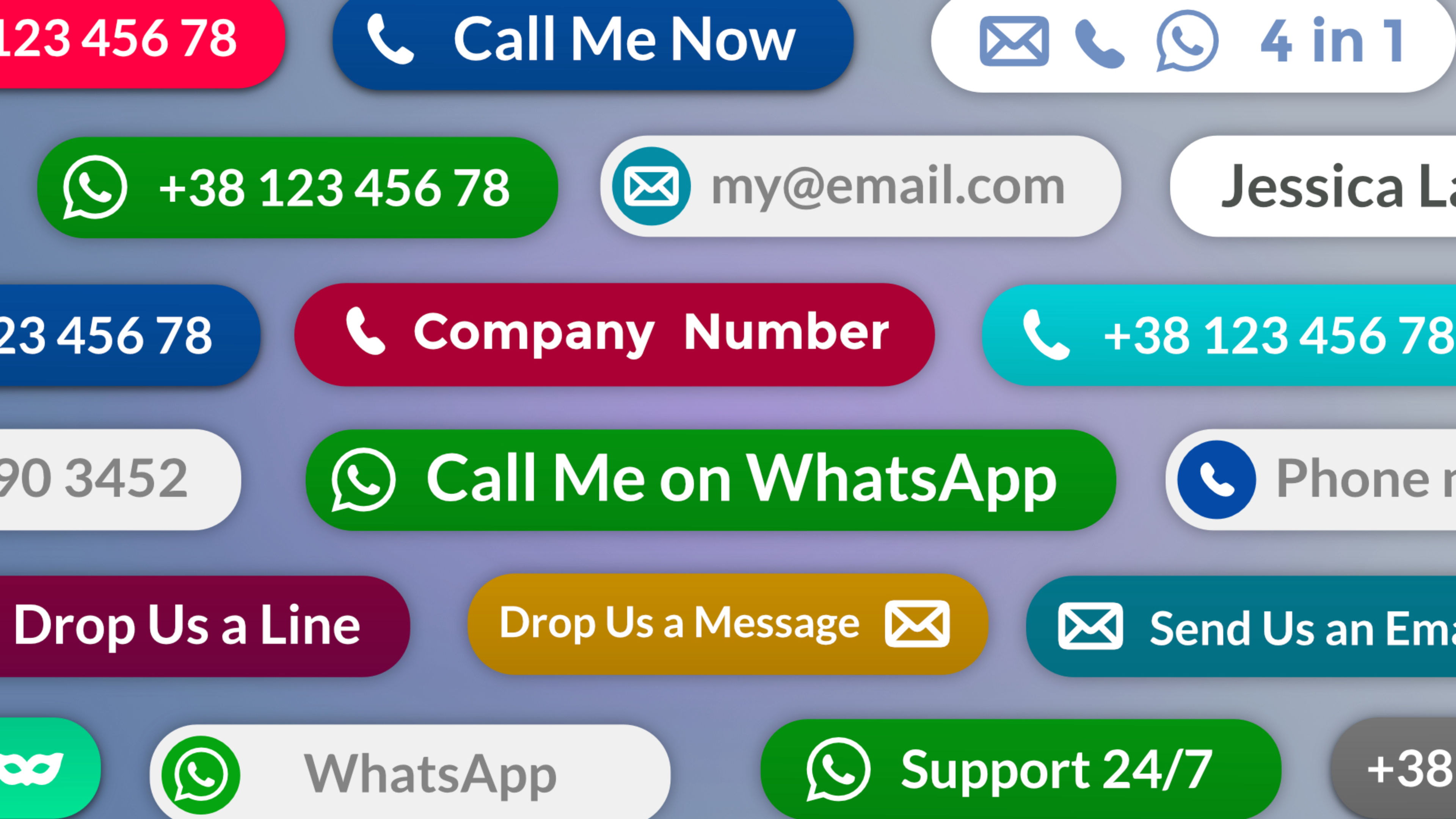
Total protection for every piece of text and every contact detail on your page.
Protect email addresses, phone numbers, WhatsApp links, and any sensitive text from bots and scrapers without changing anything your visitors see. Place a token where your content should appear, Obscure assembles and renders the real value in the browser at load time. Automated scanners find nothing useful in the source code.
Works with any Text or Rich Text element, and with the standard Elements Button component for a more recognisable call to action. All configurable directly from the Elements panel.
Email Split: Split-token protection — the address is divided at the @ symbol and never written in full in the source code. Two independent slots, each with dedicated token, optional label, and optional pre-filled subject and message body.
Email B64: Full Base64 encoding of the complete address — no split fields, no readable parts in the source. Same engine as Phone and WhatsApp. Token, optional label, optional pre-filled subject and message body.
Phone B64: Base64 encoding at build time — the number appears in the source as an unreadable string, decoded only by a real browser at load time. Token, optional label, works natively with the Elements Button component.
WhatsApp B64: Same Base64 protection as Phone, with automatic link generation — opens the app on mobile, WhatsApp Web on desktop. Token, optional label, optional pre-filled message, works natively with the Elements Button component.
Sentence B64: Encode any plain text string — a name, a postal address, an IBAN, a reserved code, or any sensitive detail you want visible to visitors but invisible to scrapers. Renders as plain text, no link generated.
The project includes working examples of every contact type, with two samples each: the token used directly, and embedded inside a sentence or a button. Ready to use as a starting point for your own site.
ⓘ Once installed, you’ll find the demo project in the available projects panel when creating a new one (Expand the list with ‘view all’, See all library items, to see all projects.)