
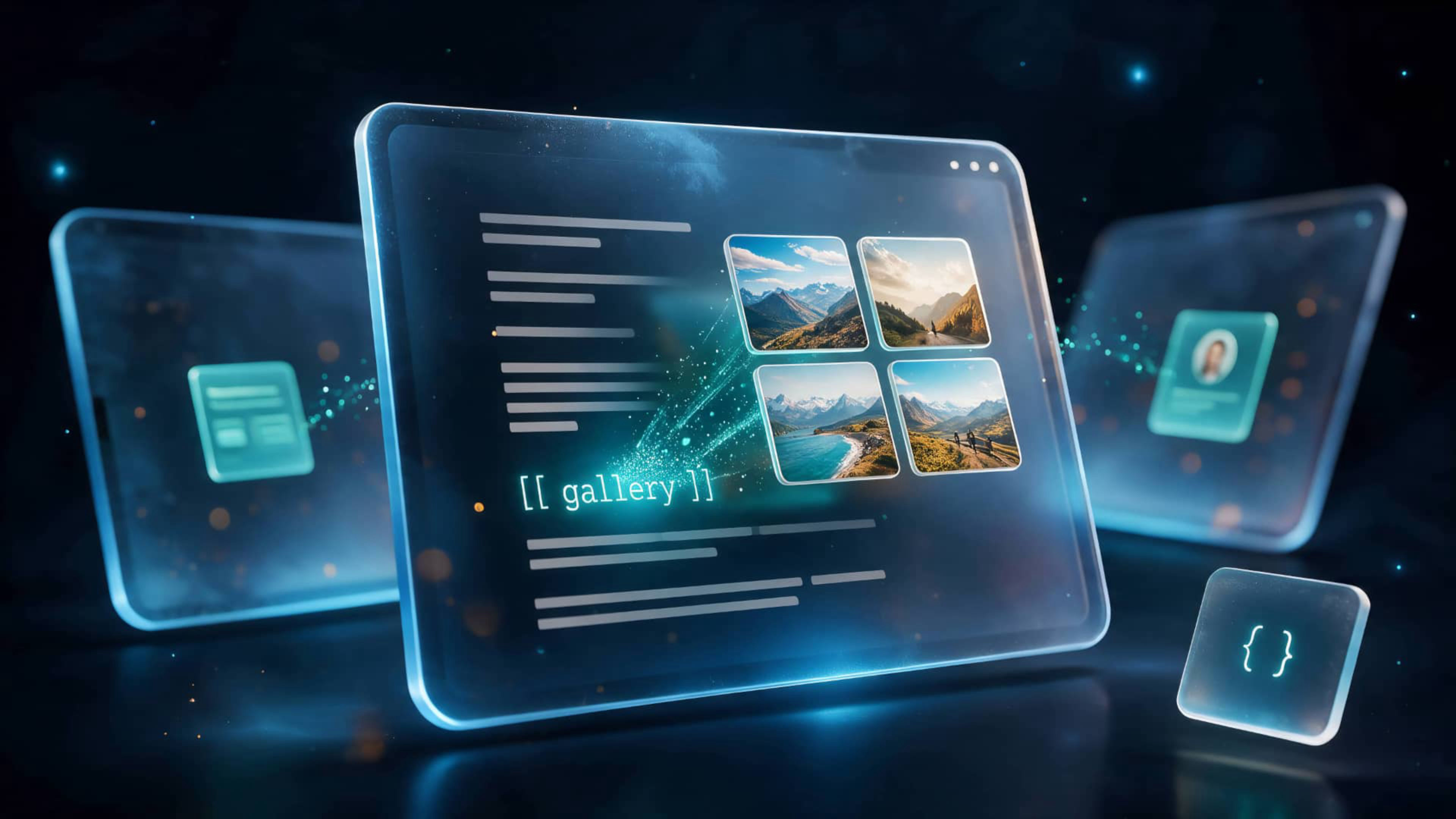
Do the impossible: place galleries, tables, audio players or contact forms right inside your CMS text – with one short line.
In Elements CMS, you normally can't place components inside the text of an entry. A picture, a link or an embedded YouTube video is about as far as it goes. ShortCodes changes that: galleries, tables, audio players, author cards and almost any other Elements component can now go anywhere in your text.
And it's easy to do: on a regular Elements page, put a single component or a whole group of them into a container, then give the container an ID. Now type one short line in your CMS text, exactly where it should appear. On your page, it shows up right between your paragraphs – fully working, whether it's a gallery with a lightbox, an audio player, an interactive table or anything else you build.
Everything is kept in one place. Change it there, and it updates automatically in every post that uses it. Use as many shortcodes in a post as you like, and keep as many components on a library page as you need.
Built natively for Rapidweaver Elements, everything is set up visually in the inspector – no HTML, JavaScript or CSS to write.
The impossible is now just one line of text.
What you get
- The ShortCodes component for Rapidweaver Elements
- Place any Elements component inside your CMS text with a single line – [[ shortcode.galleries.summer ]]
- Galleries, tables, audio players, forms, adverts, author cards, whole sections – if you can build it in Elements, you can place it in your text
- Everything stays fully interactive – lightboxes, audio players and forms work exactly as they do on their own page
- Works with components from other developers as well – the demo project places a Gallery Pro gallery
- Build it once on a library page and use it in every post – change it there, and every post that uses it shows the new version
- As many shortcodes per post as you like, and as many components per library page as you need
- Place a shortcode anywhere in your text – between two paragraphs, right after a heading, or at the very end of a post
- Place ShortCodes on your blog page once – it then works for all your blog posts
- Keep the default prefix, or choose your own if you like – prefix and library path are set visually in the inspector
- No matter how much content you keep on your library pages – a post only loads what it really shows, so your pages stay light and fast
- The inserted content keeps the design of its library page, including light and dark mode
- Included with your purchase: a demo project with a complete blog setup and library pages for galleries, tables, audio players, adverts and author cards. Once installed, you'll find the demo project in the projects panel when creating a new project – click "See All Library Items" to show the full list.
- Fully responsive – works on all screen sizes
- Fully compatible with Rapidweaver Elements themes – change the theme and get a totally different design experience
Required
- Rapidweaver Elements 3 or higher
- Integrated Elements CMS, online version optional