
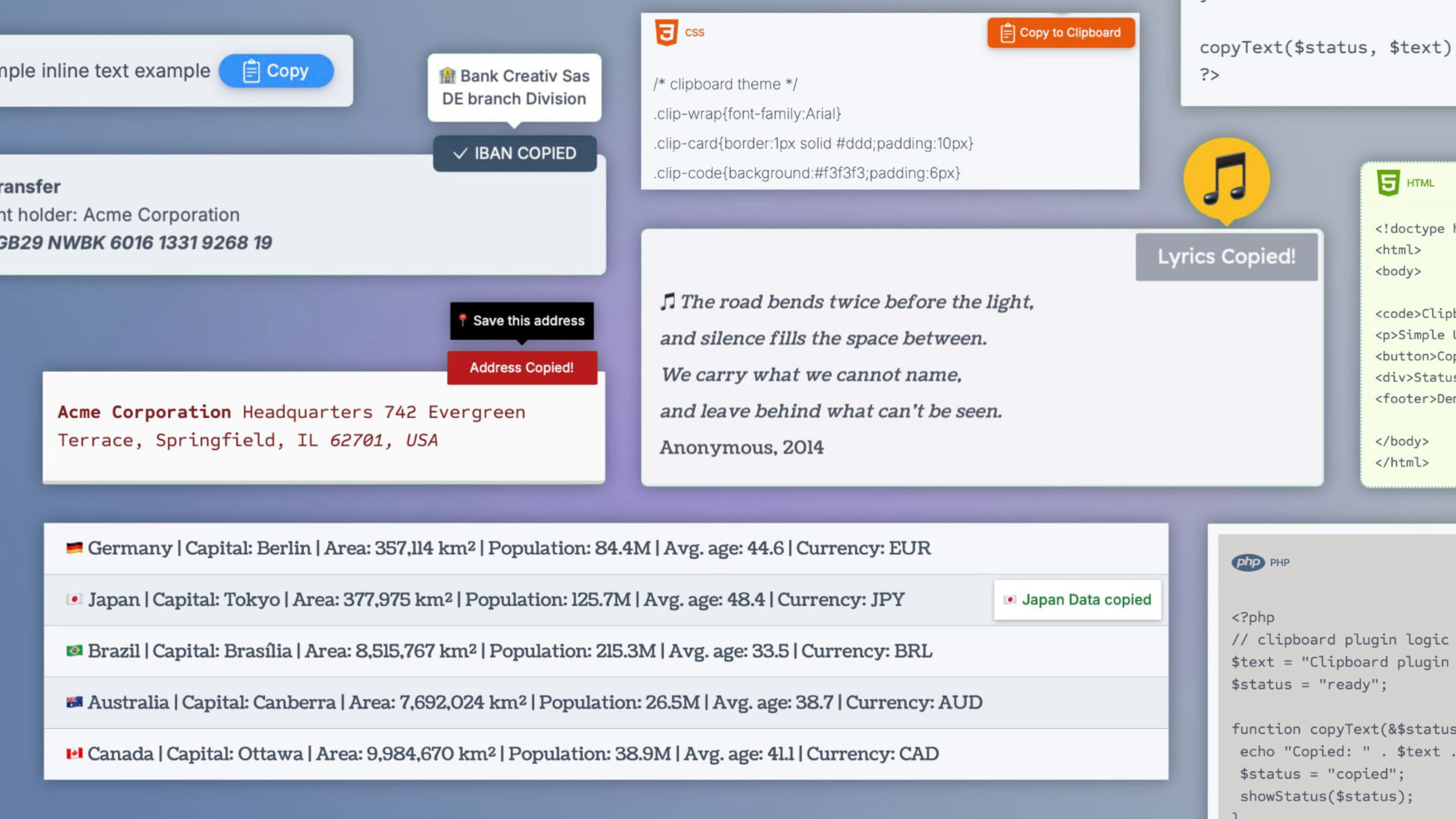
Clipboard is a fully customizable copy-to-clipboard TEXT & CODE component for Elements, designed to copy plain text to the clipboard with a single click. Multiple layout styles, inline, block, outside, hover, and code, adapt to any content type and page design without compromise.
What sets it apart is the feedback system. Three independent signals, a tooltip, a button label swap, and a blink on the copied text, can be used separately or in combination, each fully styled through the inspector.
Fully compatible with the Elements AI Assistant. Every option now carries a clear, plain-language description, so the AI understands what each setting does, how the options work together, and the best way to use the component.
Template
Five layouts cover the most common scenarios: inline with text, fixed corner overlay, button below, hidden until hover, and a dedicated code block with header bar and language label. Whether the content is a single word, a full paragraph, or a code snippet, there is a layout designed for it.
Content
Two independent content modes: plain text for standard use, with optional Override to display one thing and copy another; and a dedicated code panel that preserves spacing and line breaks exactly as entered, with configurable height, language label, and icon.
Button
Icon only, text only, or both. Two fully editable states, before and after copying. Standard Elements styling options throughout.
Feedback
A tooltip with five entrance animations, a label swap, and a blink on the copied text. Each signal works independently or in combination, all configurable through the inspector.
Demo file included, ready to use styles
The project includes a curated collection of ready-to-use designs organized across multiple demo pages, covering coupons, code snippets, AI prompts, addresses, lyrics, and data strings. Each preset combines functionality with visual appeal, making it easy to find the right style for your project with minimal effort.
ⓘ Once installed, you’ll find the demo project in the available projects panel when creating a new one (Expand the list with ‘view all’, See all library items, to see all projects.)