
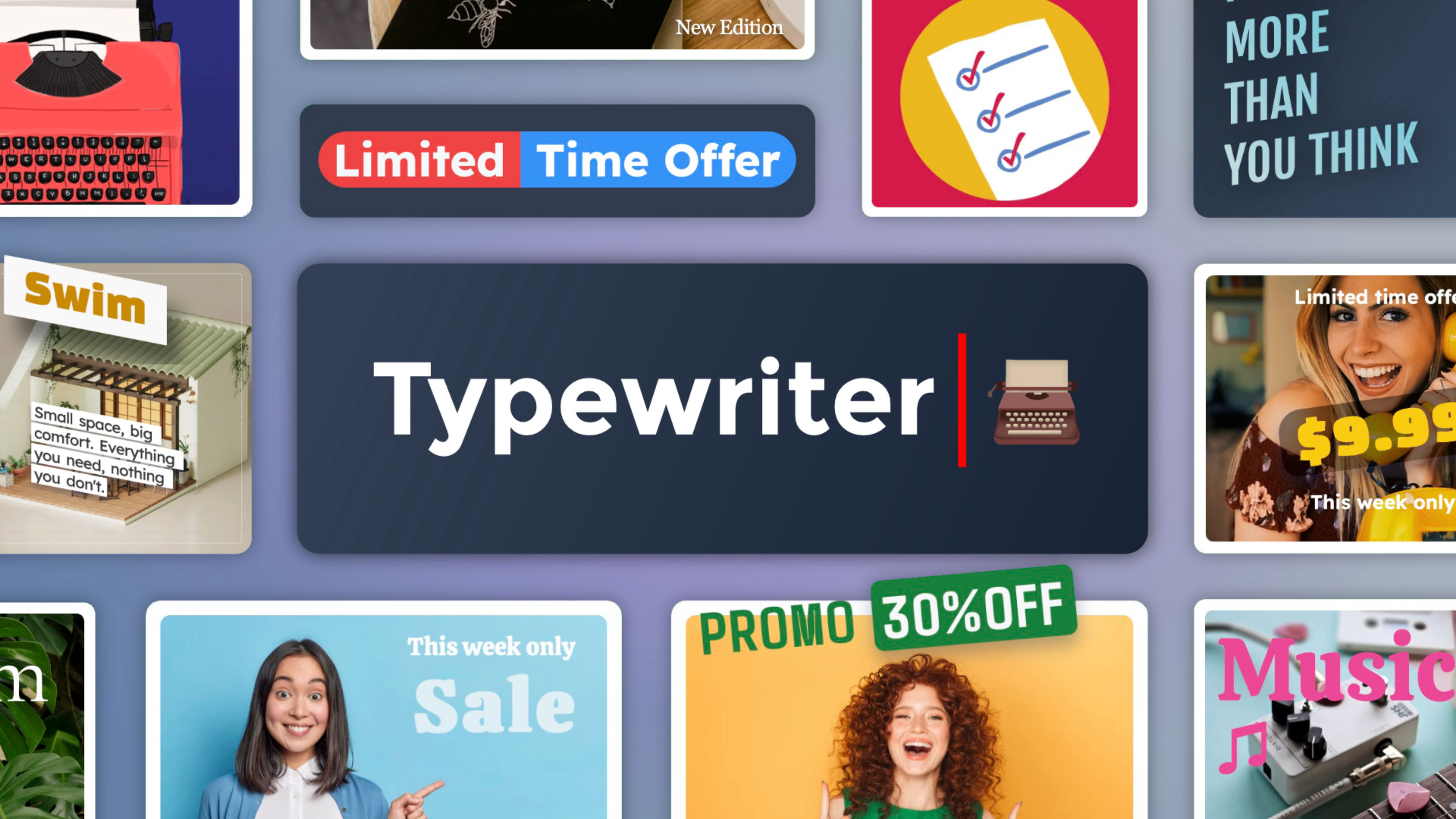
TypeWriter is a fully configurable animated text component for Elements. It supports multiple strings in sequence, each with its own message and rhythm, while keeping a consistent visual style throughout. It triggers on page load or when it scrolls into view, works with inertia and easing so every character feels intentional, and includes Ghost Text to keep layouts stable from the very first frame. When one message isn't enough, Reverse mode deletes and rewrites, turning the animation into a conversation.
Fully compatible with the Elements AI Assistant. Every option now carries a clear, plain-language description, so the AI understands what each setting does, how the options work together, and the best way to use the component. Ask for "a large headline that types three messages in a loop" and the AI sets strings, Repeat and timing for you.
Content
The text field accepts anything from a single word to a full paragraph. Static text before and after the animated portion, each with independent color and opacity, adds context without touching the main text style.
Ghost Text
Ghost Text lets you animate long, meaningful content instead of short slogans. The full text appears as a soft trace from the first frame while the animation reveals it word by word. The layout never shifts.
Multiple Strings
Each string plays in sequence with its own rhythm, guiding the reader through connected ideas one at a time. Run the sequence once, repeat it, or loop it indefinitely.
Animation
Typing speed, inertia, and easing shape the rhythm of every character. Inertia progressively accelerates or decelerates the typing, making movement feel deliberate. Once complete, pause, fade out, or Reverse each offer a distinct expressive character.
Typing Cursor
Size, rhythm, and color are all configurable. Set the width to zero to hide it, or replace it with a short text or symbol. When the animation ends, the cursor holds its space so nothing around it shifts.
Text Color & Clip
Image clipping lets any photo, texture, or animated GIF flow through the letterforms, closer to motion design than a typewriter effect. A letter outline adds an independent extra bold, and a fully styled text background with padding, borders, and shadow is one click away.
Demo file included ready to use styles
The Project includes a curated collection of ready-to-use designs, thoughtfully organized into categories to help you quickly find the perfect style for your project. Each preset is crafted to combine functionality with visual appeal, making it easy to enhance your pages with minimal effort.
ⓘ Once installed, you’ll find the demo project in the available projects panel when creating a new one (Expand the list with ‘view all’, See all library items, to see all projects.)