
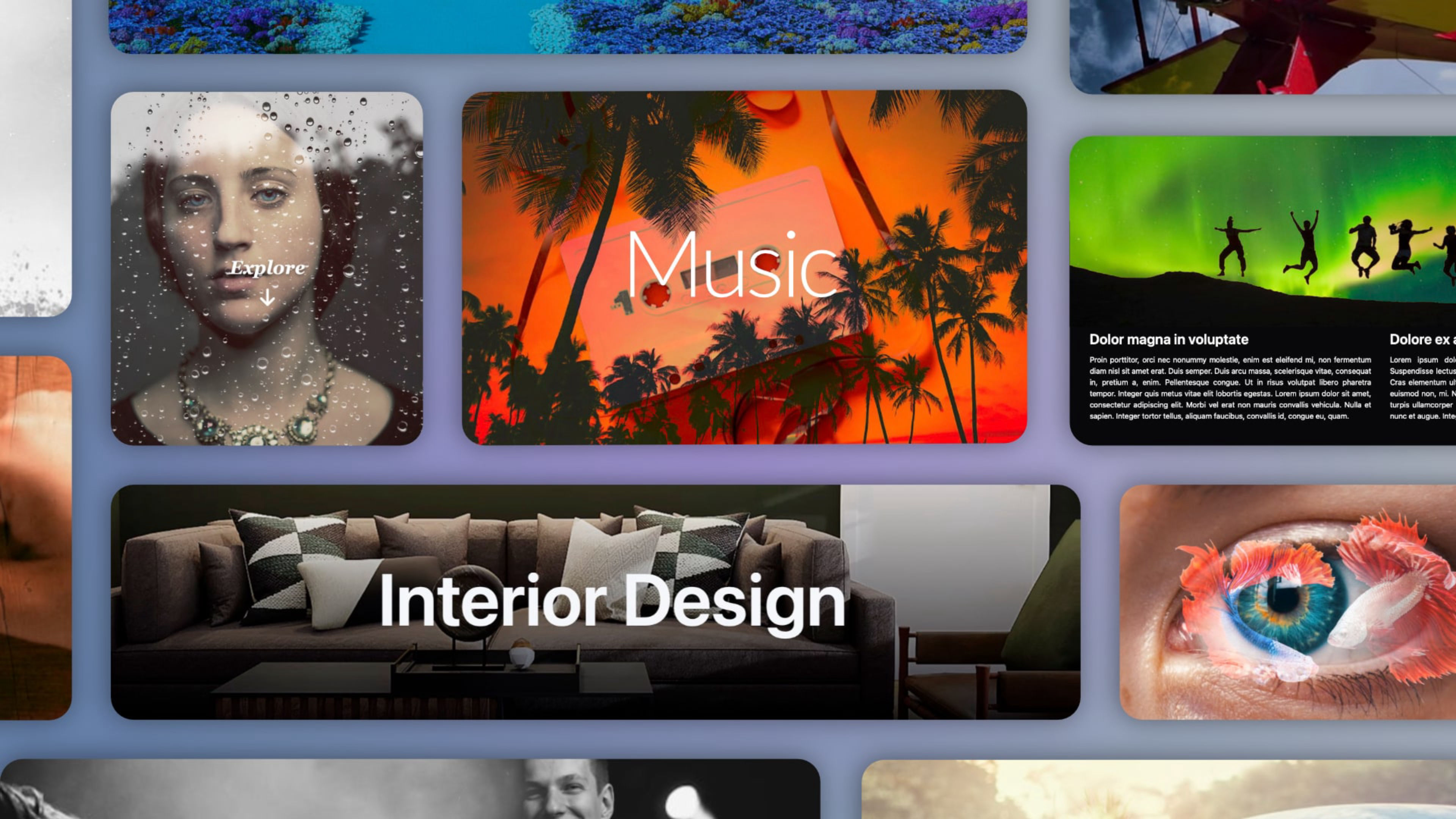
The Parallax Image that goes further.
Parallax Image brings smooth scroll-driven motion to any background image, with a layer system that turns a simple section into a visual composition. Built natively for Elements, fully integrated with your theme palette and inspector controls.
Four overlay styles — solid color, gradient, shading, and image — each with independent opacity and blend mode control. Combine a second image with a blend mode and the two layers start interacting in ways that a color filter alone cannot achieve.
Works inside columns, grids, and nested layouts. Multiple instances on the same page, no conflicts. Smooth on mobile and tablet out of the box.
Key features:
- Parallax scroll with adjustable speed, easing curves, and automatic bleed calculation based on speed.
- Four overlay styles: solid color, gradient, shading, and image.
- 16 blend modes for creative compositing between overlay and background.
- Dark mode support for both the main image and overlay image.
- Multiple image loading options: drag and drop from your project resources or external URL, with light and dark mode variants for each.
- Dropzone for placing any Elements component over the image, with max width and padding control.
- Minimum height with full CSS unit support: px, vh, or auto with populated dropzone.
- Fetch Priority and Lazy Loading controls for performance optimization.
- Box shadow and border controls with full Elements theme integration.
- Mobile parallax enabled by default, tested on real devices.
..and more
The project includes a curated collection of ready-to-use demo layouts, from clean hero sections to complex layered compositions with overlay and content on top. Every example is ready to use — replace the images and the result is yours.
ⓘ Once installed, you'll find the demo project in the available projects panel when creating a new one. (Expand the list with ‘view all’, See all library items, to see all projects.)