
BUTTONplus is for anyone looking to give their button that little something extra Plus. It includes all the styling options of the Elements Core Button, with a few useful additions for greater flexibility and convenience.
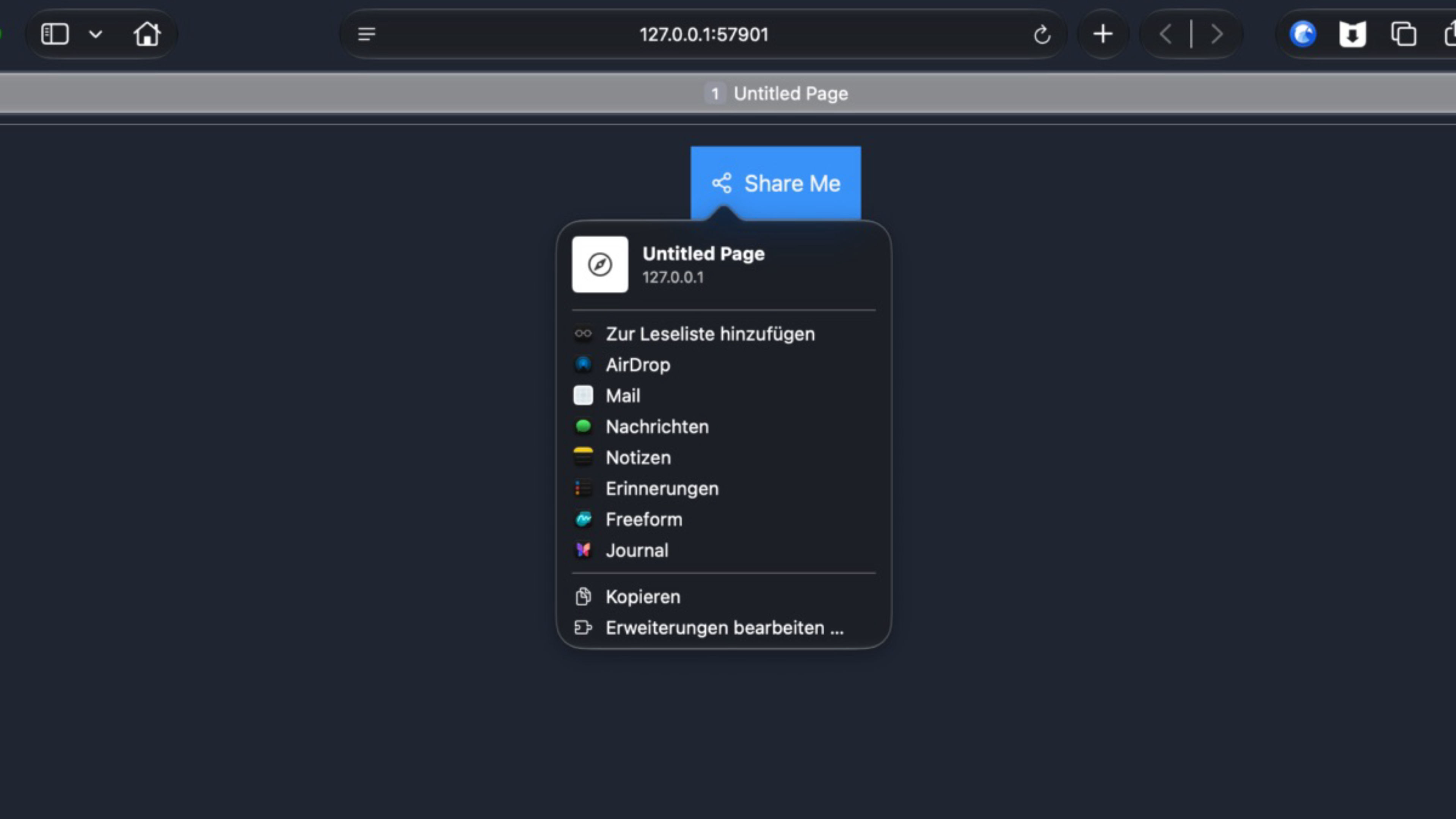
The optional Share feature lets visitors share the current page. We’ve also kept accessibility in mind: a custom screen reader label helps make the button easier to use with assistive technology.
The drop zone can be positioned not only to the left or right, but also above or below the button. Under Advanced, you can set now the HTML tag and add custom attributes.
Highlights:
- Use it as a link button or enable the Share feature
- Share the page title and URL, optionally with a custom message
- Choose a share icon and place it before or after the text
- Show or hide the button text
- Extensive styling options, including hover states
- Add a custom screen reader label
- Customize the HTML tag, CSS classes, ID, and attributes
- Uses the browser’s native sharing feature; if it’s unavailable, visitors can copy the share content instead